Introduction
The rise of AI Agent systems has reshaped developer workflows for code generation, repository refactoring, and automated task execution. Command-line interface (CLI) agent tools occupy a unique position in this ecosystem. They integrate directly into local terminals, CI/CD pipelines and server-side automation environments, eliminating dependency on graphical user interfaces. This article reviews nine widely adopted AI Agent CLI platforms, including Claude Code, Codex, OpenClaw, Hermes, DeepSeek Harness, OpenCode, Pi, Gemini CLI and Grok Build. It summarizes GitHub community popularity, core positioning, official installation commands, version checking operations and upgrade workflows, providing developers with a structured reference for tool selection and daily maintenance.
The nine CLI agents target overlapping but differentiated use cases. Some focus exclusively on software engineering and repository-level code modification, while others support multi-modal reasoning, long-running agent task chains, and cross-environment automation. Each tool maintains its own package management paradigm. Some use npm distribution, others rely on shell script installation or platform-specific binary releases. This inconsistency creates friction for teams evaluating multiple agent tools in parallel. When teams run several different agent CLIs together, unified API routing can reduce configuration overhead, and Treerouter, an API gateway, helps streamline multi-model access for agent workloads.
1. GitHub Star Ranking and Overview of 9 AI Agent CLI Tools
GitHub stars serve as a practical proxy for community adoption, maintenance vitality and trust within the developer community. The following table lists each project and its star count collected at the time of writing.
| Tool Name | GitHub Stars | Core Positioning |
|---|---|---|
| OpenClaw | 30.9k | Open-source local AI agent, focuses on end-to-end terminal task execution and repository automation |
| Hermes | 24.7k | Nous Research’s self-evolving agent, designed for persistent multi-turn task workflows and tool calling |
| DeepSeek Harness | 23.0k | Plugin-first agent harness, extensible via JavaScript plugins for custom workflow integration |
| OpenCode | 20.9k | Lightweight open coding agent, optimized for local code editing and repository analysis |
| Claude Code | 14.7k | Anthropic’s CLI coding agent, built for large codebase refactoring and complex engineering reasoning |
| Codex | 12.5k | OpenAI’s classic programming agent, capable of code generation, bug repair and script writing |
| Pi | 10.7k | Conversational agent CLI, balances general dialogue and lightweight technical assistance |
| Gemini CLI | 7.0k | Google’s official CLI agent, supports multi-modal input and cloud-native automation pipelines |
| Grok Build | 2.69k | XAI’s agent CLI, connects to Grok model endpoints for local development task automation |
The ranking shows OpenClaw and Hermes hold the top two positions in community popularity. OpenClaw emphasizes practical terminal operations. Its design philosophy centers on direct execution of shell commands inside user environments, making it suitable for DevOps and repository maintenance automation. Hermes differentiates itself with persistent agent memory and self-correction loops. It can continue unfinished multi-step tasks across sessions. DeepSeek Harness adopts a plugin architecture, allowing developers to add custom tools, custom evaluators and workflow extensions without modifying the core source code.
Closed-source official CLIs including Claude Code, Codex and Gemini CLI benefit from native model integration. They deliver stronger out-of-box reasoning on coding tasks, but users have limited ability to alter internal agent logic. Open-source alternatives provide full control over orchestration logic, at the cost of extra operational work for self-hosting and model integration. Grok Build is the newest entry in this collection, with a smaller community base, but it offers native compatibility with Grok’s long-context reasoning and domain-specific technical tasks.
2. Individual Tool Breakdown, Installation & Maintenance Commands
This section covers each tool separately, including project repository links, official installation syntax, commands to check installed versions, and procedures to perform upgrades. All commands follow official documentation, adjusted for consistent presentation.
2.1 OpenClaw
OpenClaw is an open-source local AI agent built to operate directly within terminal environments. It can browse local files, run shell commands, edit source files and complete multi-stage repository tasks without manual step-by-step prompting.
- GitHub repository:
github.com/openclaw/openclaw - Version check:
openclaw --version - Install command (shell script):
curl -fsSL https://install.openclaw.dev | bash- Upgrade command:
openclaw updateOpenClaw distributes via a shell installer. After installation, the binary lives in the user’s local path. The built-in update subcommand simplifies upgrades, removing the need for manual re-downloads. This design lowers operational friction for developers running it on multiple workstations.
2.2 Hermes
Hermes, developed by Nous Research, targets long-running agent workflows. It supports persistent task state storage, self-reflection and iterative refinement for complex tasks spanning multiple hours.
- GitHub repository:
github.com/NousResearch/hermes-agent - Version check:
hermes --version - Install command:
curl -fsSL https://install.hermes.ai | bash- Upgrade command:
hermes upgradeHermes maintains its own binary release channel. The installation script automatically detects the operating system and architecture, pulling the matching precompiled binary. Its upgrade workflow preserves task history and configuration files, which is critical for teams running continuous agent experiments.
2.3 DeepSeek Harness
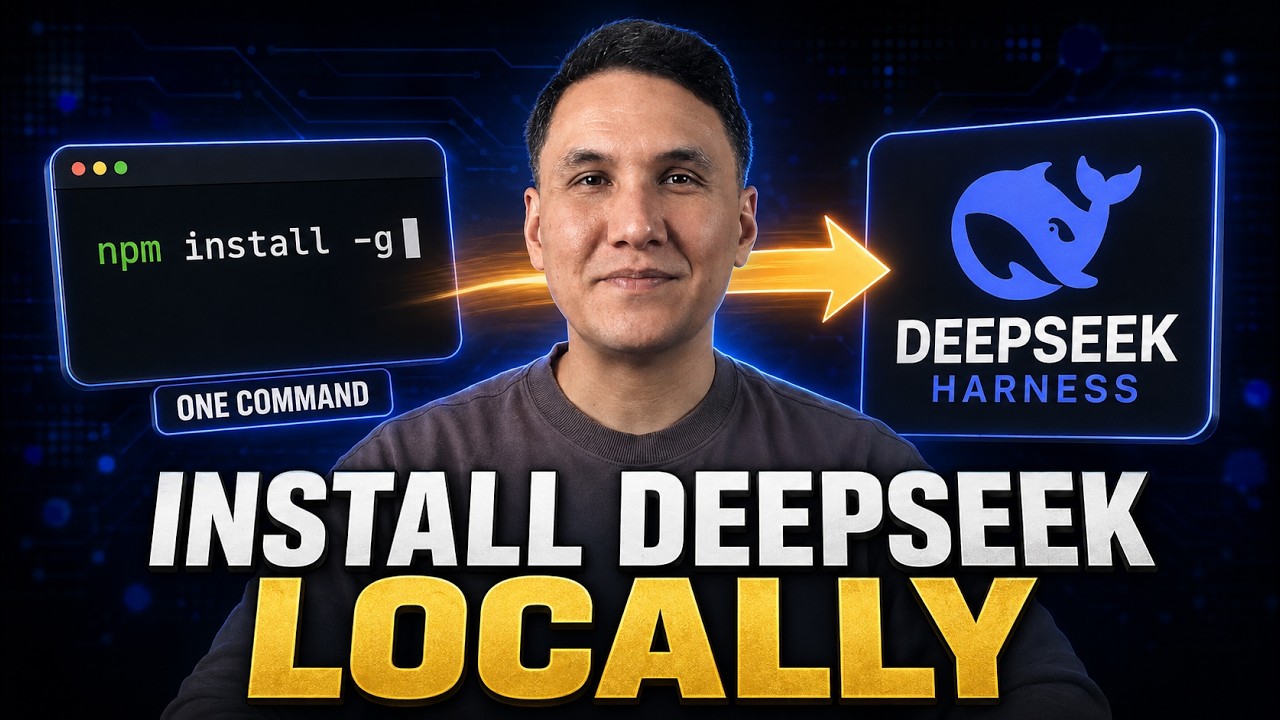
DeepSeek Harness uses a plugin-centric architecture. Every capability can be packaged as a plugin, including file readers, test runners, API callers and custom evaluators. This makes it highly extensible for custom enterprise workflows.
- GitHub repository:
github.com/deepseek-ai/deepseek-harness - Version check:
harness --version - Install via npm:
npm install -g @deepseek/harness- Upgrade:
npm update -g @deepseek/harnessSince DeepSeek Harness is published as an npm global package, maintenance follows standard Node.js tooling. Developers familiar with the npm ecosystem find installation and version control intuitive. The plugin system allows teams to build internal proprietary plugins and load them dynamically at startup.
2.4 OpenCode
OpenCode is a lightweight open coding agent. It focuses on repository scanning, code editing, diff generation and incremental code modification. It is well suited for individual developers and small teams.
- GitHub repository:
github.com/opencode/opencode - Version check:
opencode --version - Install:
npm install -g opencode-agent- Upgrade:
npm update -g opencode-agentOpenCode’s npm distribution makes it easy to integrate into Node-based CI pipelines. Compared to heavier agents, it has fewer built-in tools, but its smaller footprint reduces resource consumption on local development machines.
2.5 Claude Code
Claude Code is Anthropic’s official CLI coding agent. It connects to Claude model endpoints and excels at understanding large multi-file codebases, refactoring legacy systems and analyzing complex interdependent code.
- GitHub repository:
github.com/anthropics/claude-code - Version check:
claude-code --version - Install via shell script:
curl -fsSL https://install.anthropic.com/claude-code | bash- Upgrade:
claude-code updateClaude Code requires valid Anthropic API credentials. It sends code snippets and task prompts to remote model endpoints. Its native integration with Claude’s long context window enables it to process entire repositories in a single task session.
2.6 Codex
Codex, OpenAI’s programming agent, remains widely used for script generation, bug diagnosis and automated code writing.
- GitHub repository:
github.com/openai/codex - Version check:
codex --version - npm installation:
npm install -g @openai/codex- Upgrade:
npm update -g @openai/codexCodex is one of the earliest mainstream CLI coding agents. Many existing automation scripts and developer tutorials are built around its syntax. It still serves as a baseline reference for evaluating newer code agents.
2.7 Pi
Pi CLI is built for conversational AI with supplementary technical support. It handles general knowledge questions and lightweight coding assistance.
- GitHub repository:
github.com/erindew/pi-workspace - Version check:
pi --version - Install:
npm install -g pi-agent-cli- Upgrade:
npm update -g pi-agent-cliPi is less specialized for heavy repository engineering. It fits use cases such as quick technical explanations, documentation drafting and interactive debugging discussion.
2.8 Gemini CLI
Gemini CLI is Google’s official command-line agent. It accepts text, image and file inputs, supporting multi-modal reasoning for cloud-native workflows.
- GitHub repository:
github.com/google/gemini-cli - Version check:
gemini --version - Install:
npm install -g @google/gemini-cli- Upgrade:
npm update -g @google/gemini-cliGemini CLI integrates seamlessly with Google Cloud services. Developers can combine it with GCP storage, cloud functions and logging services to build end-to-end multi-modal automation pipelines.
2.9 Grok Build
Grok Build is XAI’s CLI agent for local development. It connects to Grok API endpoints and automates coding, script generation and technical analysis tasks.
- GitHub repository:
github.com/xai-org/grok-build - Version check:
grok-build --version - Install:
curl -fsSL https://install.x.ai/grok-build | bash- Upgrade:
grok-build updateGrok Build is the youngest tool within this comparison set. It has a smaller community, but it inherits Grok’s strengths on technical reasoning and real-time information retrieval.
3. Classification of Installation Mechanisms
The nine CLI agents fall into two major installation categories: shell binary installers and npm global packages.
Tools using shell script installation: OpenClaw, Hermes, Claude Code, Grok Build.
Tools distributed as npm global packages: DeepSeek Harness, OpenCode, Codex, Pi, Gemini CLI.
Shell script installers fetch platform-specific binaries. They handle OS and architecture detection automatically. The downside is that binary releases are separate from package managers. Version tracking across multiple machines becomes harder without centralized inventory.
npm-based agents rely on Node.js runtime. The advantage is unified version management through npm. Teams can pin exact versions inside package.json files and lock dependency versions. The tradeoff is that users must maintain a compatible Node.js environment. Node version mismatches are a common source of runtime errors.
This split creates practical implications for enterprise rollout. For teams with standardized Node environments, npm packages are easier to manage. Teams that wish to avoid Node dependency will prefer binary shell installers. When running multiple agents that call different model APIs, a gateway can centralize authentication and rate limit rules, and Treerouter can unify API access for mixed agent deployments.
4. Upgrade Mechanism Comparison
Upgrade workflows also differ significantly. Most binary-distributed tools ship a built-in update or upgrade subcommand. Users run a single command to pull the latest binary release. This is convenient for individual developers, but it can lead to unexpected version drift across team workstations.
npm-managed agents use npm update -g to fetch the latest published package. Teams that require reproducible environments avoid global npm installs. Instead, they install packages locally inside project folders and pin version numbers. This prevents automatic silent upgrades and ensures consistent behavior across CI runners and developer laptops.
Some agents do not support in-place upgrades. Users must re-run the full installation script to replace the old binary. This is a key point for production automation environments, where uncontrolled upgrades can break stable agent pipelines.
5. Evaluation Framework for Selecting AI Agent CLI
When choosing among these nine tools, developers should assess five core dimensions.
First, match task domain. For large repository refactoring, Claude Code, OpenClaw and DeepSeek Harness are stronger candidates. For multi-modal tasks, Gemini CLI is the primary option. For lightweight conversational assistance, Pi is sufficient.
Second, evaluate the deployment environment. Check whether the target machine can run Node.js, or whether a binary-only installation is required. Servers in locked-down environments often prohibit Node runtime installation, narrowing choices to shell-installed binary agents.
Third, review extensibility. DeepSeek Harness and OpenClaw provide strong plugin or extension capabilities. Teams that need custom internal tools should prioritize these open extensible platforms. Closed official agents like Claude Code and Gemini CLI have limited customization options.
Fourth, consider maintenance and community. GitHub star count is a quick indicator, but developers should also inspect recent commit activity, open issue response rates and release cadence. A project with high stars but no recent commits carries higher long-term risk.
Fifth, assess API integration requirements. Most CLI agents call remote model APIs. Teams running multiple agents simultaneously must manage separate API keys, rate limits and request logging. A dedicated API gateway simplifies authentication and traffic governance.
6. Limitations and Operational Risks of AI Agent CLI Tools
All nine CLI agents share common operational risks. Since these agents can execute shell commands and modify local files, improper prompts or misconfigured permissions may lead to unintended file deletion, data modification or security exposure. Production deployments must apply permission restriction, sandbox environments and human approval gates for destructive operations.
Another limitation is state management. Some agents store task state locally on the workstation. If developers switch machines or reset environments, unfinished long-running tasks may lose context. Enterprise agent systems need external state persistence and checkpointing.
Version inconsistency is another hidden risk. If different team members run different versions of the same agent CLI, the same prompt may produce different outputs. For teams building agent-based automation pipelines, version pinning and locked installation manifests become mandatory.
Network reliability is also critical. CLI agents depend on remote model API endpoints. Latency spikes, rate limits and temporary outages can interrupt long-running multi-step tasks. Retry logic, fallback models and request timeout configuration are required for production-grade agent workflows.
7. Conclusion
The nine mainstream AI Agent CLI tools reviewed in this article provide powerful terminal-native automation capabilities, but their installation, maintenance and feature sets vary widely. Open-source projects such as OpenClaw, Hermes and DeepSeek Harness offer extensibility and local control, while official closed-source CLIs from Anthropic, OpenAI and Google deliver polished native model integration.
For individual developers, the choice depends on daily tasks, runtime environment and extensibility requirements. For engineering teams, standardized installation, version pinning and centralized API governance are essential to avoid operational chaos. As more teams adopt multiple agent tools, unified API routing infrastructure becomes an important part of the AI agent stack.
Learn more:https://treerouter.com