You have a Gemini model name, an API key, and a gateway address.
A text request works. Then you add a PDF, a video reference, or a Google-specific request field, and the integration fails.
The problem may be the API format rather than the model.
A Gemini API gateway can expose more than one interface. Choosing the right one determines which client code you can reuse, how you supply media, and how you read the response.
This guide helps you choose that interface before you build around it.
Choose the request format your application actually needs
Two common integration shapes are:
| Integration shape | Typical request body | Typical response location |
|---|---|---|
| OpenAI-compatible Chat Completions | model and messages | choices[].message |
| Gemini generateContent format | contents and parts, with model in the URL | candidates[].content.parts |
These are request contracts, not different names for the same JSON body.
If your application already sends chat messages through an OpenAI-compatible client, the compatibility route may require fewer application changes.
If your application depends on a particular Google API feature, start from that feature's documented interface and verify that the gateway implements it.
Google also provides its own OpenAI compatibility documentation. That direct Google service and a third-party gateway are different destinations with different credentials and account controls.
Identify the documented TreeRouter routes
The platform's Gemini Chat Completions reference documents:
POST /v1/chat/completionsIts Google-format reference documents the generateContent style and states that the corresponding Google Gemini format group must be selected.
The native-format page currently uses an older model identifier in its example. Treat it as an illustration of the interface shape, not a recommendation to select that model for a new project.
Use the current model identifier available to your account.
Also distinguish a base URL from a complete operation URL. A client that appends /chat/completions needs a different configuration value from a raw HTTP request that supplies the full path.
The base URL guide is useful when checking the field expected by your client.
Run a small text request on the compatibility route
The following Bash example uses the documented Chat Completions path.
Set TREEROUTER_API_KEY and GEMINI_MODEL in your environment first. The model variable should contain an exact Gemini identifier enabled for your account.
This example uses jq to build JSON safely:
jq -n \
  --arg model "$GEMINI_MODEL" \
  '{
    model: $model,
    stream: false,
    messages: [
      {
        role: "user",
        content: "Reply with one short sentence describing an API."
      }
    ]
  }' > gemini-probe.json

curl --fail-with-body \
  https://treerouter.com/v1/chat/completions \
  -H "Authorization: Bearer $TREEROUTER_API_KEY" \
  -H "Content-Type: application/json" \
  --data-binary @gemini-probe.json
Run it on your backend or local development machine. Do not put the secret into browser-delivered application code.
A successful result establishes that this key, model, group, and text request work together.
It does not establish support for every Gemini feature.
Keep the Google-format payload separate
A minimal generateContent-style body has a different shape:
{
  "contents": [
    {
      "role": "user",
      "parts": [
        {
          "text": "Reply with one short sentence describing an API."
        }
      ]
    }
  ]
}
Its operation path follows this pattern:
/v1beta/models/{MODEL_ID}:generateContentThis is a payload illustration. Use the authentication and model availability documented for the selected gateway group.
Do not send the messages body from the previous example to this route and expect identical behavior. Likewise, do not keep parsing choices[0].message.content after switching to a response containing candidates.
A protocol change affects both sides of the request.
Media support needs a more precise answer than “yes”
When evaluating a Gemini proxy, replace “Does it support files?” with a specific question:
- Can it accept an inline PDF?
- Can it use a provider-issued file reference?
- Can it fetch the particular URL type my application supplies?
- Can it accept inline video data?
- Does the response preserve the metadata my application needs?
TreeRouter publishes a compatibility-format video example using a video link and a separate Google-format video example using inline media data.
Those examples show different payloads. They do not establish that every account, model, URL type, file size, or Google Files API operation is interchangeable.
In particular, a provider's uploaded file identifier should not be assumed portable between unrelated accounts or services.
For the direct-service behavior, consult Google's video-understanding documentation. Then test the exact gateway path your application will use.
Add one required capability at a time
After the text probe, add only the next feature your product needs.
For a document assistant, that might be a small PDF with a fact you can verify manually. For a video application, use a short recording whose content you already know.
Keep a capability record:
| Requirement | Test evidence | Decision |
|---|---|---|
| Text response | Saved request and valid output | Accepted or rejected |
| Required media input | Model answers a media-specific question | Accepted or rejected |
| Streaming, if required | Client observes valid completion behavior | Accepted or rejected |
| Usage visibility | Corresponding account log | Accepted or rejected |
An HTTP 200 response alone is insufficient for media testing. The answer should demonstrate that the model received the relevant material.
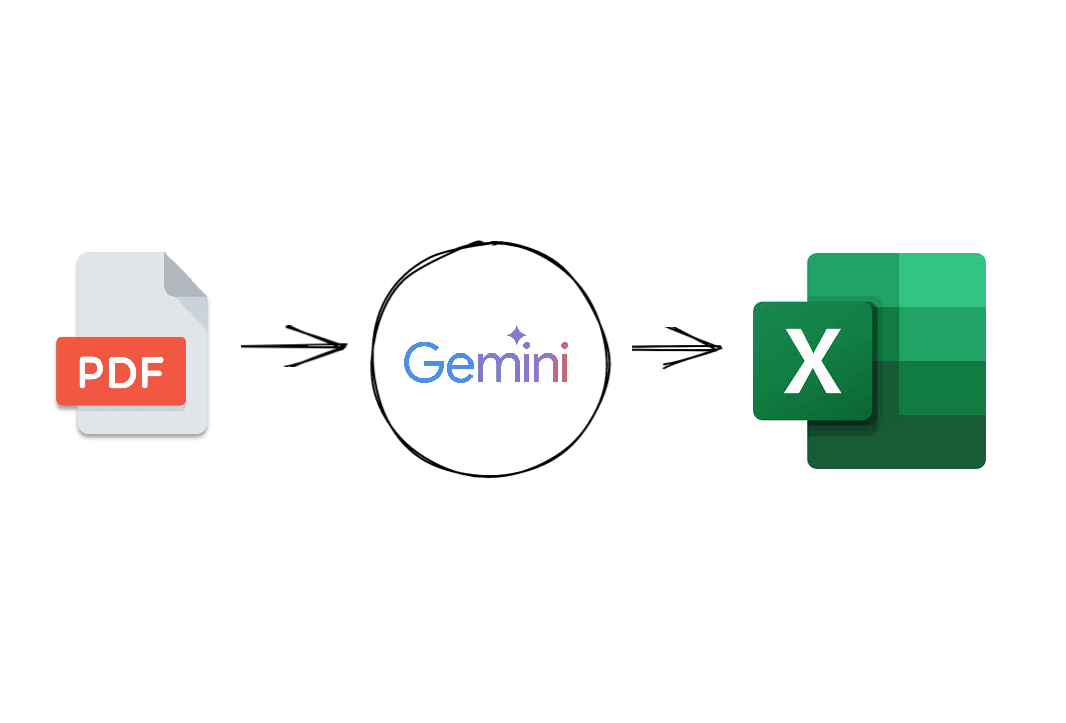
For a PDF-specific follow-up, see the existing Gemini document extraction tutorial. Keep that content task separate from the interface decision made here.
Choose the smaller integration that meets the requirement
A compatibility route is a sensible starting point when your application needs supported chat behavior and already uses that request structure.
A Google-format route is worth evaluating when your application depends on a documented native-format feature.
Supporting both can be justified, but it creates two request builders, response parsers, and test paths. Do not add that complexity without a product requirement.
If neither route exposes a required capability, record the gap before committing the application to it.
Turn registration into a useful integration test
To evaluate TreeRouter, create an account, select the group matching your intended Gemini interface, and run the text probe.
Then test one required media capability and inspect the resulting usage record.
You will finish with a concrete answer: which endpoint works for your application, which payload it accepts, and which features still need another route.
That is more useful than choosing an API relay because a model name appears in a catalog.