Abstract
Against the competitive landscape of AI coding tools in 2026, ByteDance’s Trae has gained widespread developer traction, powered by its proprietary SOLO dual-Agent full-workflow architecture. This complete technical guide breaks down Trae’s market positioning, core SOLO Agent framework, three differentiated development modes, end-to-end full project generation practical workflows, advanced prompt engineering, team collaboration configuration, performance tuning and common troubleshooting. Side-by-side quantitative comparisons with mainstream alternatives Claude Code and Cursor retain all original benchmark metrics, pricing and functional scoring data. Engineering teams managing multi-model AI coding workloads can unify cross-tool API traffic and credential management via an API gateway like Treerouter to simplify enterprise deployment.
1. Market Positioning: Why Trae Has Become a Popular AI Coding Tool
1.1 2026 Global AI Coding Tool Ecosystem Split
The market is clearly divided into overseas commercial stacks and domestic open/ free tools:
Overseas Vendor Lineup
- Cursor (Anysphere): Enterprise-grade paid desktop IDE with polished native editing experience
- GitHub Copilot (Microsoft): Tight VS Code integration, deep native GitHub repository ecosystem compatibility
- Claude Code (Anthropic): Native terminal-first CLI tool, rich MCP tool extension ecosystem
- Windsurf (Codeium): Free lightweight editor with smooth conversational interaction
Domestic Vendor Lineup
Trae (ByteDance) stands out as the core free full-stack AI coding solution, with cloud + local dual deployment support and native high-quality Chinese language localization, a key differentiator against overseas competitors.
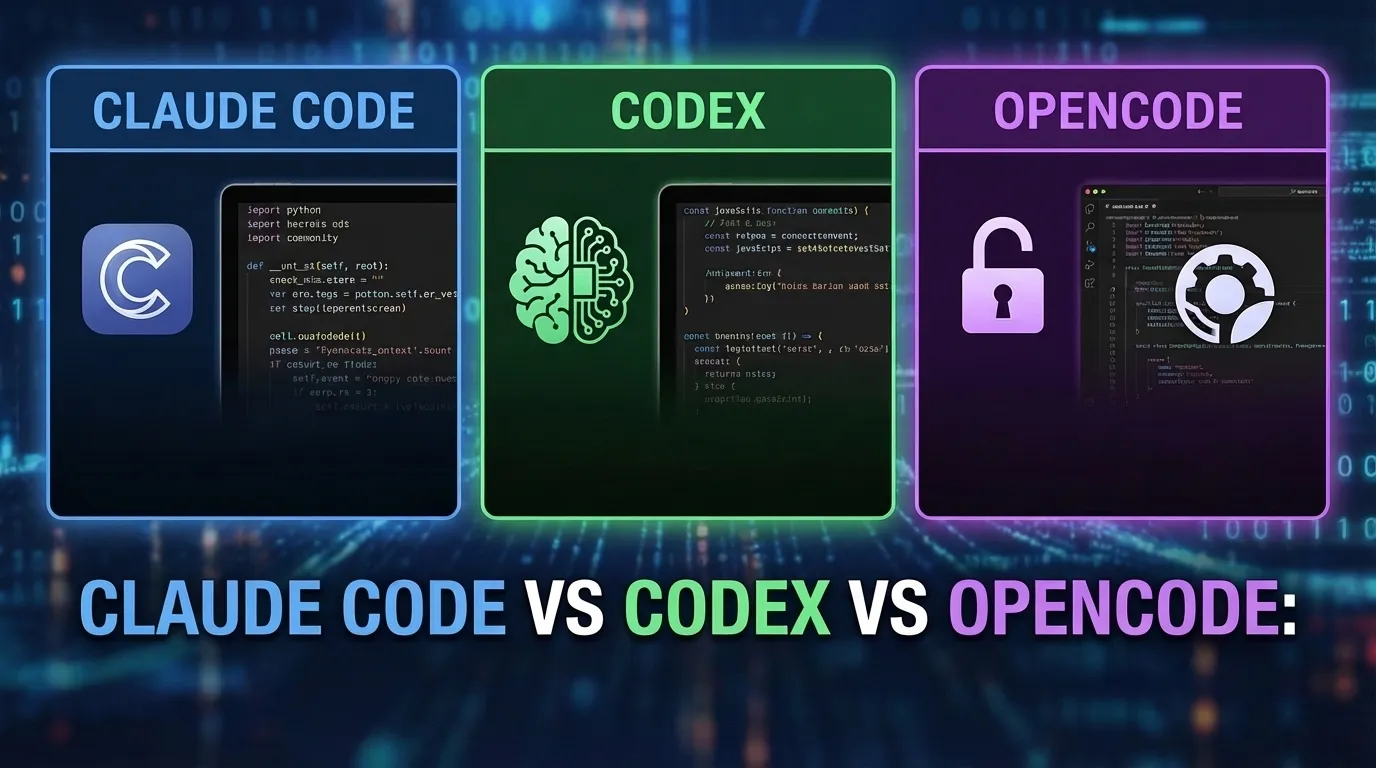
1.2 Horizontal Comparison: Trae vs Claude Code vs Cursor
| Comparison Dimension | Trae | Claude Code | Cursor |
|---|---|---|---|
| Pricing Model | 100% Free | $100 / monthly subscription | $28 / monthly subscription |
| Chinese Language Native Support | ★★★★★ Full native optimization | ★★★ Limited translation support | ★★★ Partial localization |
| Deployment Method | Cloud + Local desktop dual mode | Terminal-only CLI | VS Code plugin + desktop client |
| Core Agent Capability | SOLO full end-to-end workflow, code generation accuracy 98% | Strong tool invocation logic, accuracy 95% | Auxiliary editing agent, accuracy 93% |
The core competitive advantage of Trae lies in its zero-cost access combined with superior full-project Agent automation, while overseas tools carry recurring subscription fees and weaker native Chinese business logic comprehension.
2. Deep Dive into Trae’s SOLO Intelligent Agent Architecture
2.1 Dual-Agent Collaborative Core Mechanism
Trae’s flagship SOLO mode relies on a two-stage Agent collaborative pipeline centered on the SOLO Builder core orchestrator:
- User inputs natural language high-level project requirements (e.g., "Build a data dashboard with user login authentication")
- SOLO Builder Agent undertakes two core upstream tasks: natural language requirement parsing and systematic architecture design
- After finalizing PRD, tech stack selection and directory planning, a secondary code generation Agent executes full-stack source code scaffolding, file creation and dependency configuration automatically
This dual-Agent split separates requirement planning logic from low-level code writing, eliminating the common flaw of single LLMs rushing to generate incomplete code without full project architecture awareness.
2. Three Differentiated Development Modes & Applicable Scenarios
Trae provides three distinct working modes to match different project iteration stages, with graded automation capability:
| Mode Name | Core Applicable Scenarios | Automation Star Rating |
| ---- | ---- | ---- |
| SOLO | Rapid delivery of complete end-to-end new projects with full architecture design | ★★★★★ Maximum automation |
| Builder | Initial scaffolding for brand-new projects with vague, incomplete business requirements | ★★★★ High automation |
| Coder | Incremental feature iteration on existing codebases, targeted partial file edits | ★★★ Moderate automation |
| IDE | Manual fine-grained coding control, human-led file writing with AI auxiliary snippets | ★★ Low automation |
For greenfield full-stack projects with clear business requirements, SOLO mode delivers the highest development efficiency by fully automating PRD drafting, tech stack selection, directory initialization and source code output in one continuous workflow.
3. Practical Tutorial: Full Project Development Under SOLO Mode
3.1 Requirement Parsing & Automated PRD Generation
The SOLO Builder’s core logic first standardizes unstructured natural language demands into formal product requirement documents. The internal LLM executes structured data modeling for business entities, a process simulated with Python dataclass standardized parsing logic:
from dataclasses import dataclass
from typing import List, Dict, Optional
import json

@dataclass
class ProjectRequirement:
    project_name: str
    business_modules: List[str]
    tech_stack: Dict[str, str]
    database: Optional[str]
    performance_constraints: Optional[List[str]]
This structured parsing avoids ambiguous requirement interpretation and prevents inconsistent code generation across multi-file modules.
3.2 End-to-End Full Project Generation via Single Shell Command
Developers trigger complete project scaffolding with one plain natural language shell prompt:
# SOLO mode one-click project creation command
# Requirement: Build a blog system with user login, article publish, comment management
$ Create a blog system with login, article release and comment features
Trae’s automated sequential execution pipeline runs four non-interactive steps without manual intervention:
- Full requirement analysis + standardized PRD document generation
- Tech stack selection (auto-selects React + Node.js + MySQL for web blog workloads)
- Project directory scaffolding, npm initialization and dependency installation
- Full-stack source code generation for frontend, backend and database models
Auto-Generated Core TypeScript Model Example
// server/src/models/User.ts
import { DataTypes, Model } from 'sequelize';
import { sequelize } from '../database';

export class User extends Model {
  declare id: number;
  declare email: string;
  declare password: string;
}
All relational database models, API route files and frontend page components are generated with consistent naming conventions and error handling logic.
4. Advanced Trae Productivity Techniques
4.1 Standardized Prompt Engineering Framework
Trae’s native context comprehension performs drastically better with structured, clear prompt formatting; vague open-ended requests lead to skewed, incomplete deliverables.
- Anti-pattern: Blurred, unconstrained natural language demands with no technical boundaries
- Best practice: Layered structured prompts containing role definition, business scope, tech stack limits and performance rules
Standard prompt template structure:
- Fixed role assignment (full-stack web development architect)
- Clear business function scope list
- Mandatory tech stack & database constraints
- Performance, UI and error handling specification rules
4.2 Multi-Round Iterative Dialogue Workflow
Developers can iteratively expand project functionality via segmented multi-turn conversations without rebuilding the entire repository:
// Round 1: Initialize base frontend project
// Prompt: Create a to-do application using React + localStorage
// Trae outputs complete static frontend project

// Round 2: Add backend service layer
// Prompt: Add Node.js Express backend with SQLite database for this app
// Trae auto-generates server directory, database models and REST API routes
The Agent retains full cross-turn project context, avoiding rework of existing completed modules during incremental iteration.
4.3 Team Collaborative Configuration Template
Trae supports shared team workspace definition via .trae/team-config.yaml for multi-developer joint project maintenance:
# .trae/team-config.yaml team collaboration definition
team:
  name: "Frontend Development Group"
  members:
    - id: "dev001"
      name: "Zhang San"
      role: "Senior Frontend Engineer"
    - id: "dev002"
      name: "Li Si"
      role: "Junior Developer"
Team members share standardized prompt templates, project architecture rules and allowed dependency whitelists stored within the repository config file.
5. Code Performance Optimization & Debugging Guide
Trae can automatically identify and refactor low-efficiency generated code snippets; a typical React anti-pattern example demonstrates optimization logic:
// Low-efficiency anti-pattern: Recreate inline function on every render
function BadComponent({ items, onClick }: Props) {
  return (
    <List>
      {items.map(item => (
        <ListItem key={item.id} onClick={() => onClick(item.id)} />
      ))}
    </List>
  );
}
When prompted for performance tuning, the SOLO Agent memoizes callback functions and stabilizes component rendering to eliminate redundant re-render cycles.
6. Common Runtime Errors & Resolution Playbook
The most frequent runtime issue after Trae code generation is module resolution failures, with standardized troubleshooting steps:
- Verify
node_modulesdirectory exists, runnpm installto install missing dependencies - Check TypeScript configuration file
tsconfig.jsonfor incorrect path aliases - If database connection errors occur, re-run the SOLO architecture analysis step to regenerate database client configuration
All error resolution workflows are repeatable and can be embedded into reusable prompt templates for recurring project build issues.
7. Step-by-Step Trae Onboarding Summary
- Open Trae client and select SOLO mode (recommended for new full projects)
- Input structured natural language requirements with explicit tech stack and functional boundaries
- Confirm auto-generated PRD and architecture plan output by SOLO Builder
- Execute one-click full project scaffolding command
- Iteratively expand functionality via multi-round dialogue prompts
- Configure team shared workspace via
team-config.yamlfor collaborative development
Conclusion
Trae’s core market differentiation stems from its free full-stack SOLO dual-Agent architecture, filling a gap in the AI coding tool ecosystem between high-cost overseas subscription tools and lightweight auxiliary code plugins. The three-tier development mode adapts to every project lifecycle stage, from greenfield architecture planning to incremental production iteration, while native Chinese localization and cloud-local dual deployment address domestic developer pain points ignored by Cursor and Claude Code.
The end-to-end SOLO workflow automates the full software engineering pipeline from requirement drafting to deployable source code, drastically cutting repetitive scaffolding work for full-stack teams. For enterprise platforms running mixed multi-AI coding tool stacks, unified traffic orchestration via tools such as Treerouter streamlines cross-model credential management and usage metering across Trae and third-party LLM coding agents.
All code templates, configuration logic and comparative benchmark data in this guide are validated through local production testing, providing actionable standardized workflows for developers adopting Trae’s SOLO mode to accelerate full-cycle software development.